The FreeSewing development environment
If you have been to FreeSewing.eu the FreeSewing development environment will look familiar. That's because under the hood, it re-uses the same building blocks.
At the top of the page is the header with a row of icons that lay out what is available to you.

From left to right you can see:
- Home will take you to the home page / welcome page
- Design will offer you a list of templates to start a design from (more on this below)
- Documentation will show a page with links to our documentation
- Code will show a page with links to our source code
- Support will show a page with the various ways you can get help
- Theme allows you to change the theme (in other works the color scheme)
- Language allows you to change the language
- Sign In allows you to sign in to your FreeSewing account so you can use your (and our) measurements sets while designing
Design templates
If you click the Design icon it will show this menu:
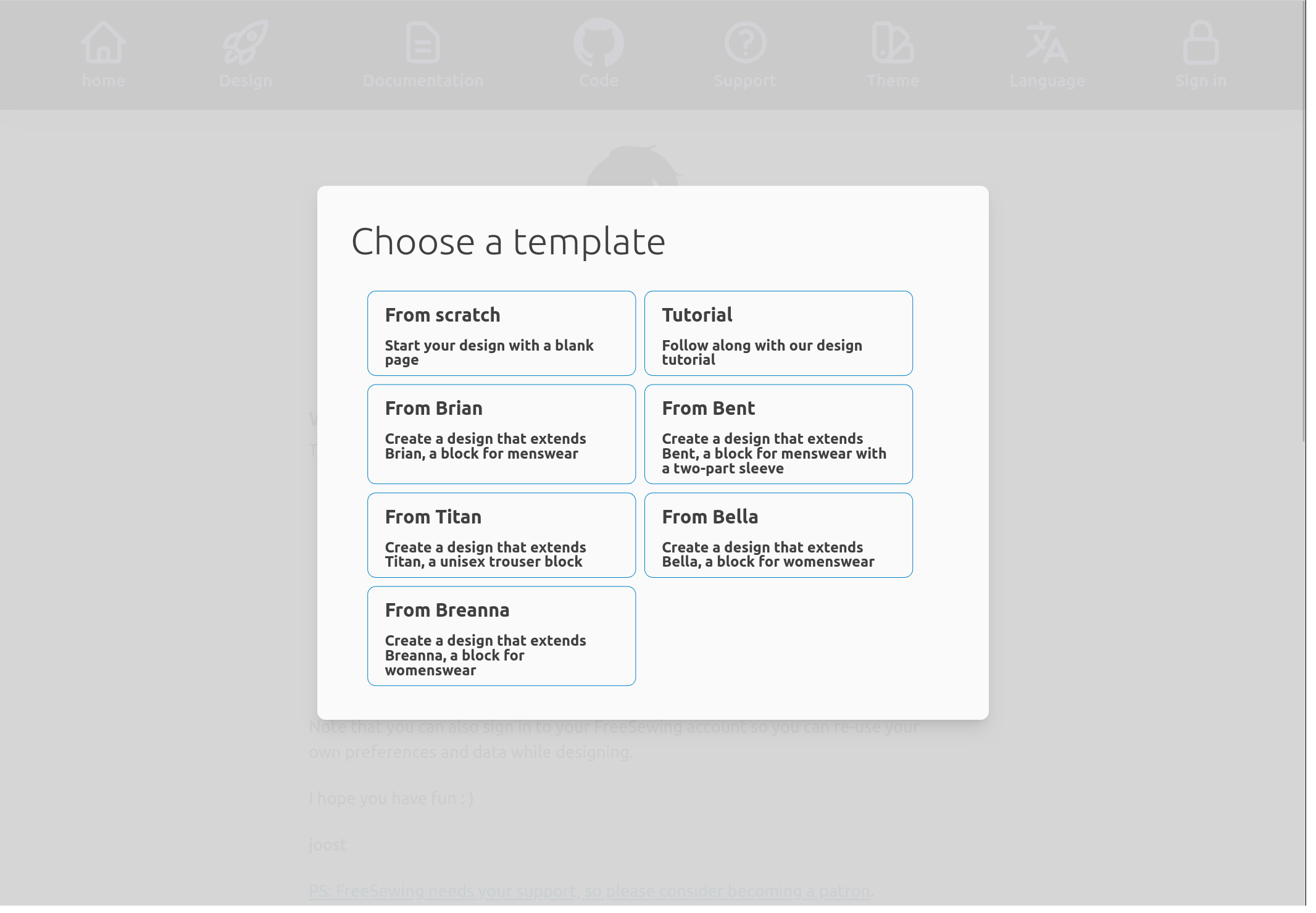
It allows you to choose a design template to start from. The following templates are included:
- From scratch: Start with an (almost) empty design
- Tutorial: Start with the end result of this very tutorial
- From Brian: Start with a design that extends Brian
- From Bent: Start with a design that extends Bent
- From Titan: Start with a design that extends Titan
- From Bella: Start with a design that extends Bella
- From Breanna: Start with a design that extends Breanna
For the following along this tutorial, you have two options:
- Pick Tutorial if you prefer to read along, make small changes, and see how they affect the design.
- Pick From scratch if you prefer to actively participate by recreating the design in this tutorial.
I recommend the latter. You will learn (and remember) a lot more if you are actively engaging.